
Connect PLM and ERP data to your documentation.
Bring your parts information into the content people rely on.
Ingest Bills of Materials from ERP or PLM systems through CSV files or API integration. Connect parts data and CAD diagrams with your manuals, illustrated parts catalogues, and customer information.
BOM ingestion · Configuration-specific content · Connected outputs

Your parts data has more places to be
Parts data usually lives in an Enterprise Resource Planning (ERP) or Product Lifecycle Management (PLM) system. Your documentation needs it too.
When each update has to be copied, reformatted, and checked across separate systems, publication slows down. Manual handling creates more opportunities for information to drift apart.
XDocs brings relevant parts data into documentation workflows, helping teams reduce repeated entry and keep technical content connected to its source information.
ManualsIllustrated Parts
CataloguesCustomer
Portals
One connected workflow. Information wherever it is needed.
Illustrative workflow. Interfaces and mappings depend on your systems.
Bring your BOM into the documentation workflow
XDocs ingests Bills of Materials (BOMs) from ERP or PLM systems, alongside parts diagrams from CAD software. Choose the ingestion approach that fits the source system and your update process.
BOM CSV files
Use BOM exports to bring structured parts information into XDocs. Define the fields and mappings required for your documentation.
API integration
Connect your source system with a configured integration. Agree how data is mapped, validated, and updated as part of the workflow.
The integration is scoped to your systems and requirements. Discuss available interfaces, data ownership, and update frequency with Bluestream.
From a product BOM
to a site-specific build
Illustrative configuration hierarchy
Keep the configuration in the picture
A product-specific or site-specific build can have a different Bill of Materials. Its documentation should reflect that configuration.
XDocs natively supports custom BOMs for product-specific and site-specific configurations. Connect the applicable parts information with the relevant diagrams and documentation.
Define and check configuration rules against your source data so the published information fits the equipment being supported.
Explore personalized documentationThe same parts information.
A more consistent experience.
Connect parts data to service manuals, illustrated parts catalogues, customer portals, and eCommerce integrations. A shared source helps teams keep those outputs aligned as product information changes.
Service manuals
Bring parts references into the supporting service information.
Parts catalogues
Connect parts entries with clear, navigable illustrations.
Customer portals
Make relevant published information easier to access.
eCommerce
Support connected parts information through the agreed integration.
Data changes may also affect procedures, diagrams, or warnings. Assess and approve those content changes before release.
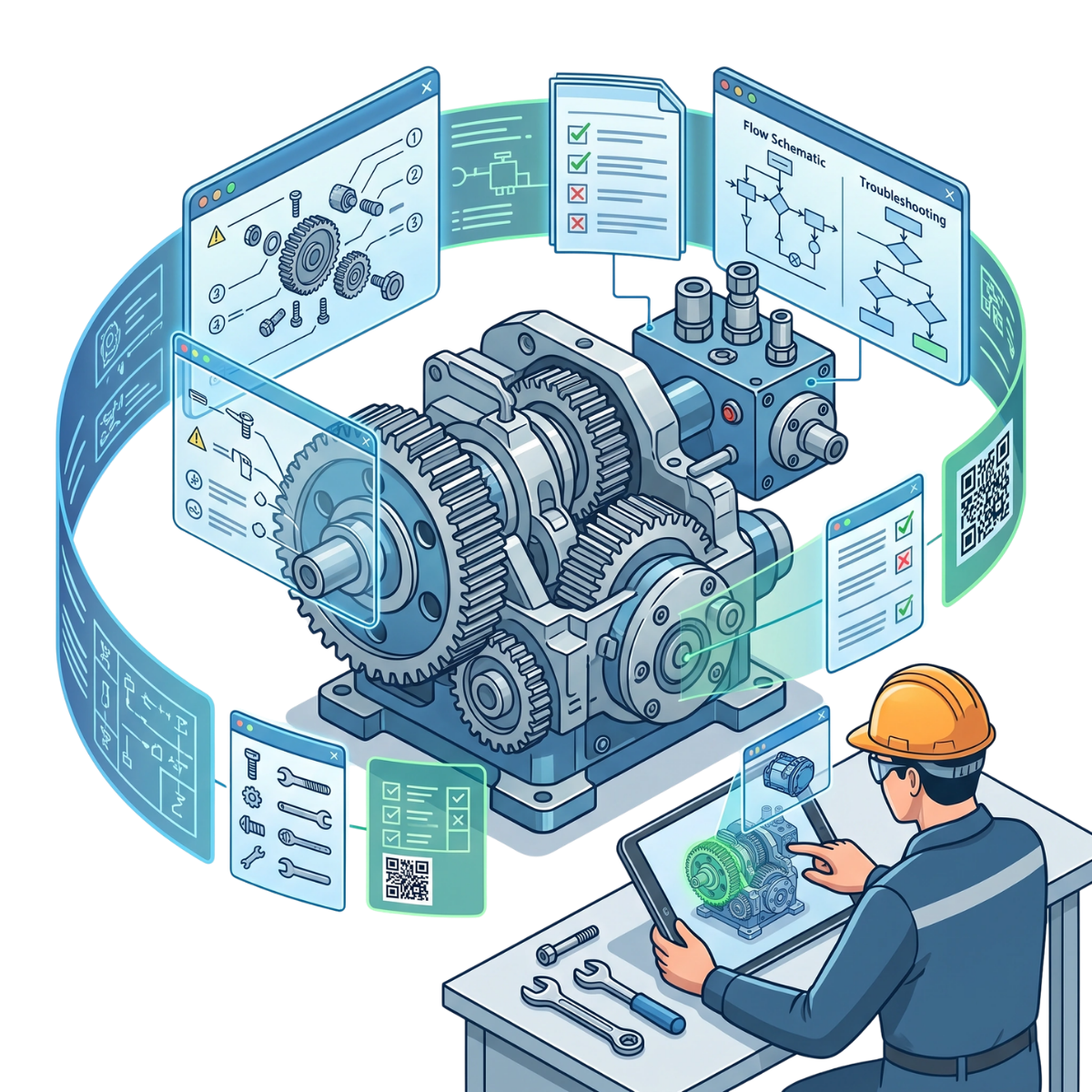
Help service teams get to the right information
Connected data becomes useful when technicians, dealers, and customers can find the part and understand its context.
Illustrated parts catalogues combine clear visuals, part numbers, and structured product information. Supporting documentation helps users take the next step.
Explore illustrated parts cataloguesFind the right part
Help technicians locate components using illustrations, part numbers, and structured information.
Reduce avoidable enquiries
Give dealers and customers access to reliable parts information, helping them answer routine questions.
Support efficient repairs
Make accurate parts and service information easier to reach so technicians can work more efficiently.
PLM and ERP integration FAQs
Does XDocs replace our ERP or PLM system?
XDocs connects relevant product and parts data to the documentation workflow. Your source systems retain their agreed responsibilities. Data ownership, interfaces, and revision handling should be defined for the implementation.
How can BOM data be brought into XDocs?
Bills of Materials can be ingested through BOM CSV files or API integration. Parts diagrams from CAD software can be brought into the workflow alongside that data. The detailed mappings and update process depend on your source systems.
Can we use product-specific or site-specific BOMs?
Yes. XDocs natively supports custom BOMs for product-specific and site-specific configurations. The configuration data and applicability rules need to be defined and checked for your products.
Will a parts update automatically rewrite every service instruction?
A configured workflow can automate data ingestion. Changes to parts may also require updates to procedures, illustrations, or warnings. Those content changes still need technical assessment and approval before publication.
Your systems.
Your parts data.
A connected workflow.
Explore how XDocs could connect your PLM or ERP data with your documentation.
Tell us where your BOM data lives, how it changes, and which documentation outputs your team needs.
We’ll discuss the ingestion, configuration, and publishing requirements for your workflow.
Return to the Manufacturing Hub