

Home » How Can ERP Parts Data Become Usable Service Documentation?
ERP PARTS / SERVICE DOCUMENTATION
ERP source recordsLinked service contentReviewed documentation
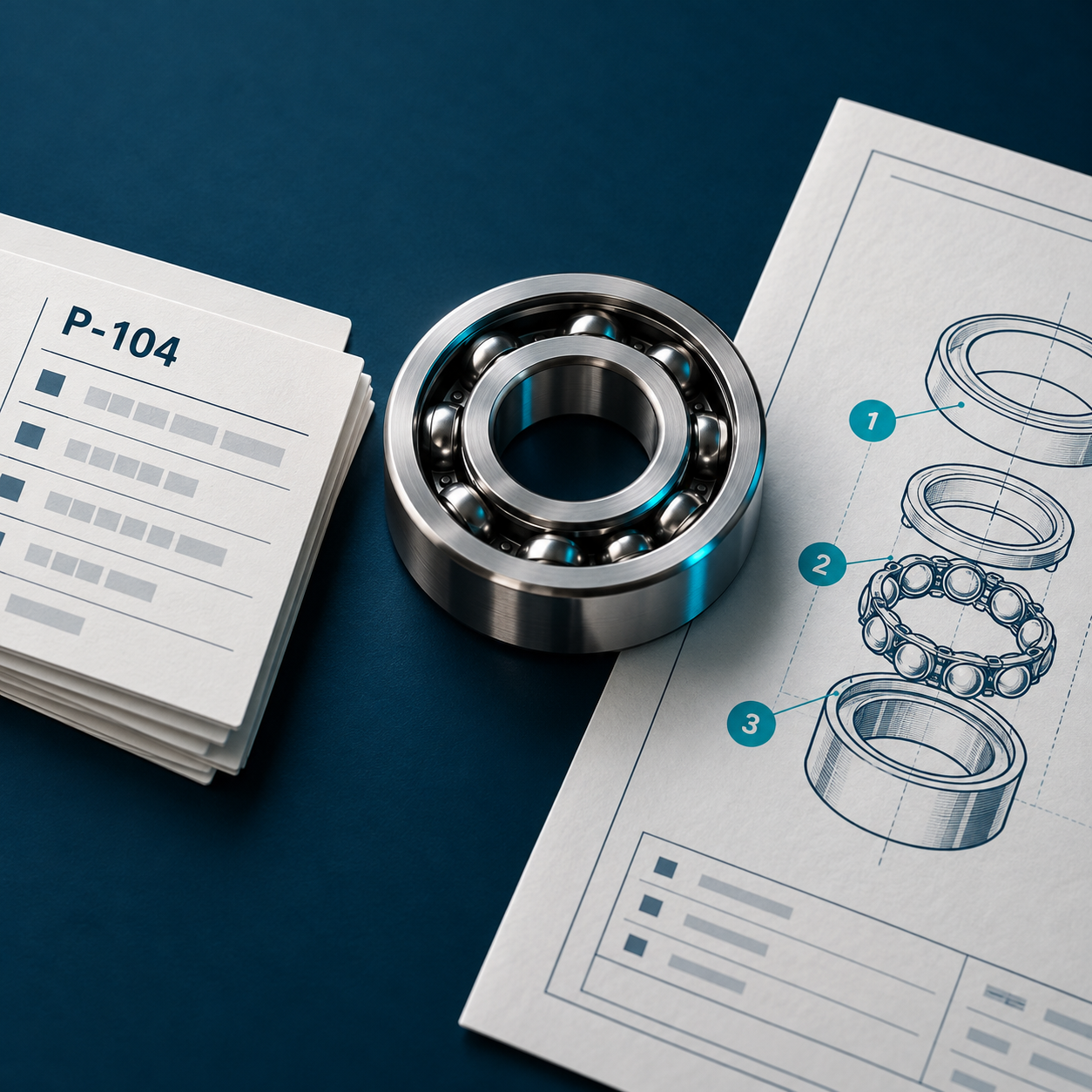
ERP parts data becomes usable service documentation when teams connect approved records to illustrations, service instructions and the equipment those instructions cover. A component content management system (CCMS) can manage these relationships, helping teams reuse parts information and publish reviewed content for specific products or customer sites.
An enterprise resource planning (ERP) system may hold the part number and assembly information a technician needs. The service task also needs context: where the part fits, which equipment uses it and how to maintain or replace it safely.
Connecting these layers gives technicians a clearer route from identifying a component to finding its approved instructions.
ERP records support business and product processes. Their structure may make sense to someone managing assemblies or orders, while leaving a technician with unanswered questions.
A short description may identify a part without showing its position in the machine. An assembly record may list components without explaining the removal sequence. A current part number may need different instructions for different equipment configurations.
Technical writers and service specialists supply this context. They connect parts information to diagrams, procedures, warnings and troubleshooting guidance. The goal is to reuse approved data while making it useful for the person doing the work.
Start with the data needed for a defined service task. Agree which system owns each field and which approved records the documentation should use. A practical starting set includes:
Check whether the bill of materials (BOM) represents the equipment you intend to document. A generic product structure may need additional configuration information before it can support service work at a particular site.
Bluestream’s PLM and ERP systems capabilities support importing BOM data through CSV files or API integration, including product-specific and site-specific configurations.
An illustrated parts catalogue (IPC) connects an assembly drawing to its parts entries. A service procedure can reference those entries, giving technicians a route between the instructions, illustration and component details.
That connection reduces the need to maintain separate copies of parts information. It also makes the relationship easier to review when something changes.
The procedure still needs technical content that a BOM does not supply: prerequisites, tools, safety information, task steps and checks after the work. Engineering and service reviewers should confirm that these instructions match the equipment covered.
Our earlier article explains how a CCMS keeps parts catalogues and service manuals in sync. The ERP connection provides a foundation for that workflow.
THE WORKFLOW
Build the workflow around an approved source, clear mappings and a complete service task. The following six steps provide a practical starting point.
Choose one product family or customer configuration. Identify the approved ERP records, drawings and service content involved. Assign owners for the source data and the documentation.
Agree how identifiers, descriptions, assembly relationships and configuration information will appear in the CCMS. Document the mapping so future changes can be assessed consistently.
Check for missing identifiers, broken assembly relationships and records that cannot be matched to drawings. Give rejected or incomplete data a clear review route before it reaches publication.
Link the parts entries to illustrations and the relevant installation, maintenance or replacement procedures. Add the context technicians need to complete the task.
Ask reviewers to check the parts entry, diagram and procedure together. Confirm that the selected configuration displays the correct content and that the links work.
Release the approved information to the intended audience. Open the delivered catalogue and instructions, then repeat a realistic service task to check what users actually receive.
Consider a manufacturer supplying different conveyor configurations to several warehouses. Each installation includes its own combination of assemblies and parts.
For one customer site, the team imports the approved BOM and connects it to the matching CAD illustration. Technical writers link the relevant service procedure to the parts entry and IPC.
Reviewers then check the complete information set before release. Each source record has a defined role in the service documentation:
| Source information | Role in service documentation |
|---|---|
| ERP part identifier | A consistent reference in the parts entry and linked procedure |
| Assembly relationship | The component’s position within the relevant assembly |
| Site-specific BOM | The parts configuration supplied to that customer site |
| CAD callout | A visual link between the illustration and parts entry |
| Reviewed procedure | The instructions needed to carry out the service task |
Illustrative workflow: the manufacturer must define and verify the mappings, applicability and technical instructions for its equipment.
Keep each relationship traceable to its approved source. That makes it easier to identify what needs checking when the equipment or parts data changes.
The XDocs Manufacturing Suite brings together BOM ingestion, CAD illustrations, IPC generation, browser-based review and release management. It can ingest BOM CSV files or connect through API integration.
XDelivery provides a route for delivering configuration-specific IPCs alongside technical documentation. Implementation should account for the source systems, data quality, required mappings and review process.
Bluestream’s warehouse equipment manufacturer case study describes an implementation that imports site-specific, as-built BOMs from ERP. CAD callouts connect to the parts data, and the system publishes customer-specific IPCs. Installation and maintenance documentation can use the same information and link directly to the catalogue.
Treat an imported change as a trigger for checking its documentation impact. A changed description may need a straightforward data update. A revised assembly may affect diagrams, instructions or the equipment covered. Someone needs to assess that difference before release.
The warehouse manufacturer implementation supports BOM reimport and content versioning to help detect changes. A controlled process should also identify the affected service content and route it to the appropriate reviewers. Keep earlier approved information available where older equipment still requires it.
Choose a service task that currently involves copying parts data or searching across several documents. Trace it from the ERP record to the information a technician receives. Test an import, a drawing connection, a linked procedure and a reviewed publication.
Record missing fields, manual corrections and confusing links. Measure the pilot against a baseline, such as time spent preparing an IPC, corrections needed during review or the delay between source approval and documentation release.
Use these findings to plan the next stage of your manufacturing documentation workflow.
Q&A
ERP data can supply parts and assembly information. A complete manual also needs authored procedures, safety content and technical review.
An integration can connect relevant ERP data to the documentation workflow while the ERP continues managing its existing processes.
XDocs supports BOM CSV ingestion as well as API integration. The suitable approach depends on the source system, update frequency and controls required.
Site-specific BOMs can support configuration-specific IPCs and related documentation. The warehouse manufacturer case study demonstrates this approach.
Define the release rules around the change’s impact. Changes affecting service instructions or applicability need appropriate review before users receive them.
The OASIS DITA specification provides background for two ideas used in structured service documentation: topics as reusable units of information and metadata-driven filtering and flagging. These mechanisms help explain how content can be organized and selected for different contexts.
A content standard does not validate the equipment data or service instructions. The mappings, configuration rules and technical review described in this article still need to be defined and checked for the implementation.
YOUR NEXT STEP
Bring a representative BOM, drawing and service procedure to a discussion with Bluestream. Explore how XDocs could connect them into a reviewed documentation workflow for your products and customer sites.
Use the form below to get in touch and arrange a demo.

© 2025 Bluestream Content Solutions