
Structured documentation

When SharePoint Needs a Structured Documentation Workflow

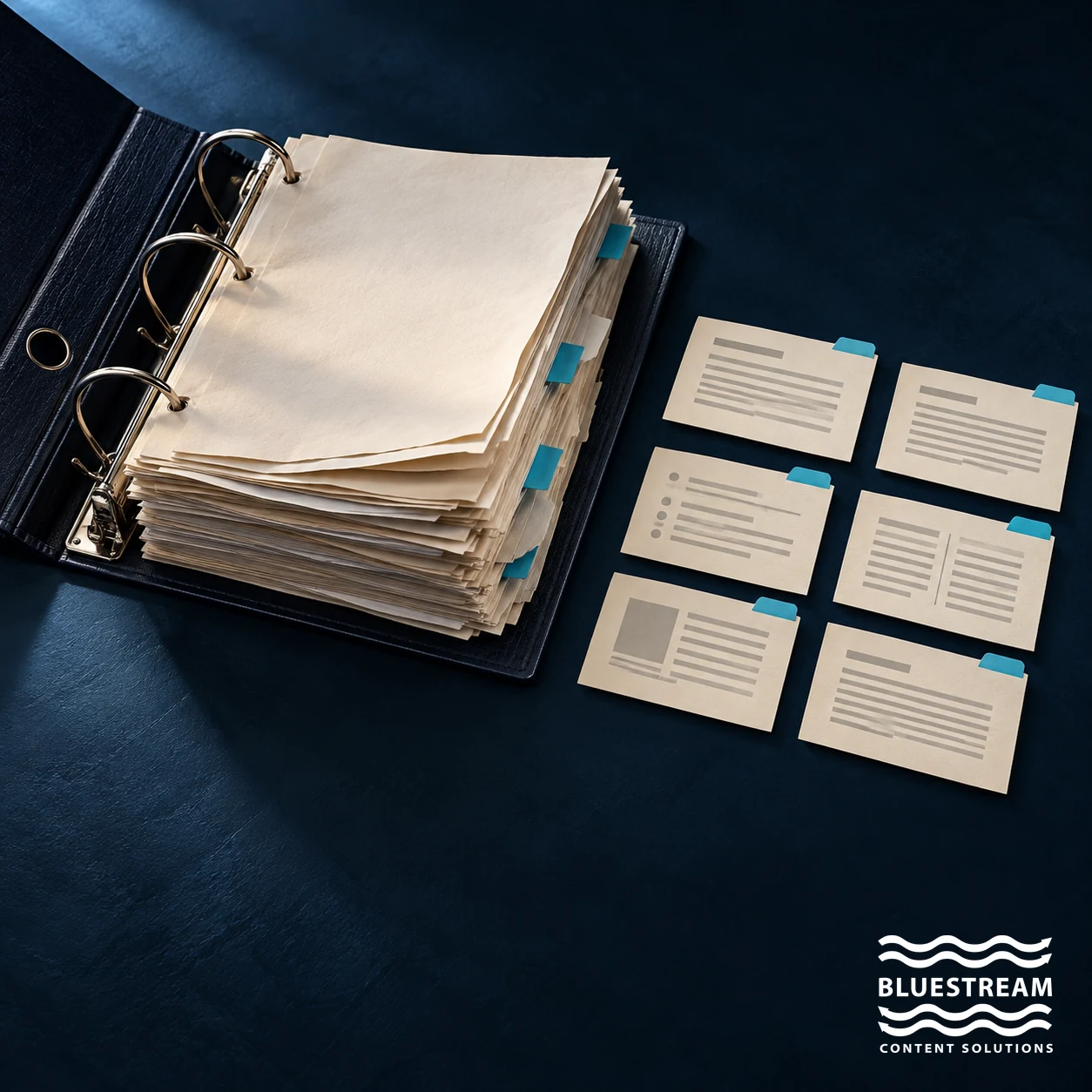
An open document binder beside separate reusable content cards.

Define needsTest reuseChoose the workflow

Improving SharePoint can solve genuine document-management problems. When a technical documentation team also needs reusable topics, product-specific publications and controlled multichannel releases, however, it should evaluate those requirements separately. Better folders alone do not create a component-content workflow.

“We’ll fix SharePoint” often begins with a reasonable observation: the organisation already has a familiar place to store documents, but people struggle to find the right version. The next step should be to identify the cause. Inconsistent ownership and metadata call for different remedies from repeated content across hundreds of publications.

This guide separates problems that a well-governed document library can address from requirements that may justify a DITA CCMS and a dedicated documentation delivery layer.

Define the problem before choosing a platform

Start with concrete examples. Is a service engineer unable to find a manual? Are several copies competing to be the approved version? Does one changed warning require edits in many product manuals? Is the right source available internally but difficult to deliver to customers?

These are related issues, but they sit at different stages of the content lifecycle. Search and navigation affect retrieval. Ownership and approval affect trust. Component reuse affects maintenance. Delivery affects how the audience receives the information.

Write down the task that is failing and what a successful outcome would look like. A clear requirement might be: “Update a shared procedure once, identify every affected publication, review the change in context and release the appropriate product versions.” That is more useful than asking for a tidier folder structure.

Recognize what SharePoint already supports

SharePoint includes more than folders. Microsoft’s documentation describes managed metadata, content types and versioning and approval controls. These capabilities can support consistent classification and governance of documents when they are configured and maintained appropriately.

If the main problem is that readers cannot distinguish current files from obsolete copies, a controlled library, clear ownership and suitable metadata may be a sensible remedy. A team with limited reuse and a straightforward publication process may not need a separate CCMS.

Capabilities vary with the product, configuration and associated services. Assess the actual environment instead of making a blanket claim that SharePoint cannot manage versions, metadata or search. Equally, the existence of a feature does not prove that the organisation has implemented a workable process around it.

Identify when the unit of work becomes a component

Technical documentation often contains procedures, warnings, reference information, illustrations and parts data that appear in several outputs. When those units are copied between files, each copy becomes a separate maintenance task.

A component approach manages reusable information at a smaller level. In DITA, a topic is a basic unit of authoring and reuse. The same topic can participate in more than one publication, with maps and publishing rules determining its context.

This does not mean every paragraph should be shared. A procedure that looks similar across two products may have different prerequisites or safety conditions. Reuse should reflect genuine shared meaning, with a way to assess which outputs are affected when that meaning changes.

Evaluate variant and release control

A documentation team may need different outputs for product models, releases, audiences and languages. If every variation is maintained as a separate copied document, keeping shared content aligned can become difficult.

DITA supports conditional processing, but the team must define the metadata and rules that determine applicability. A CCMS can provide a controlled environment for managing source content and its lifecycle. Evaluate the specific workflow with a real change: select the product version, update shared content, inspect dependencies, review the result and reproduce the release.

Updating a source topic should not be confused with instantly changing every published manual. Publications may have different approval states and release schedules. Controlled propagation is more important than indiscriminate propagation.

Separate authoring control from delivery

A CCMS and a content delivery platform have different responsibilities. The authoring environment governs how content is created, reused, reviewed and released. The delivery environment presents approved information to the appropriate audience.

XDocs DITA CCMS provides authoring and content-management capabilities. XDelivery is a documentation portal that supports multiple content formats, metadata filters, full-text search and access permissions. A delivery platform should not be described as replacing the entire authoring and component-management lifecycle.

This separation makes coexistence possible. An organisation can retain SharePoint for collaboration and document management while using a structured authoring workflow for product documentation and a dedicated portal for its delivery. The right boundary depends on ownership, audience, integration and operational requirements.

Design retrieval around the reader's task

A customer may search by an error code, a technician by a part number, and an internal user by a process name. Metadata should help narrow the result to the applicable product, release, audience and language.

Begin with a small controlled vocabulary and name its owner. Define how values are assigned, corrected and retired. Metadata adds maintenance work, so each field should serve a purpose in filtering, navigation, governance or integration.

Test search with real questions, including synonyms and incomplete identifiers. Inspect whether the result is applicable, not just whether something is returned. Search technology alone cannot correct an outdated procedure or resolve conflicting product information.

Check multichannel publishing and enterprise integration

Documentation may need to appear as web topics, printable manuals, embedded help and mobile-friendly content. Ask how each output is produced, how its release is tracked and how a correction reaches the channels that need it.

Also identify dependencies on PLM, customer support and internal portals. An integration needs stable identifiers, ownership of data fields and a defined response to failures. A generic “connects to enterprise systems” claim is too broad to guide a purchase or implementation decision.

Use a demonstration to verify the actual formats, APIs, authentication approach and permission behaviour required in your environment. Preserve access boundaries as information moves between internal and external channels.

Run a comparison with one real documentation set

Before a migration, compare approaches using the same representative content and task. Include a shared component, a product variation, a review cycle and at least two required delivery formats where those are genuine needs.

  1. Establish the baseline. Record manual steps, duplicated content and the time spent finding or reconciling versions.
  2. Improve governance first. Test whether clear ownership, metadata and approval controls resolve the actual problem.
  3. Test component requirements. Evaluate reuse, dependency visibility, applicability and reproducible releases.
  4. Include delivery. Ask intended readers to find and use the correct information.
  5. Compare the operational cost. Include configuration, integrations, training and ongoing administration, rather than licence cost alone.

The result may support improving SharePoint, introducing a CCMS, adding a delivery portal or combining these approaches. A successful decision follows the workflow evidence.

Frequently asked questions

Can SharePoint work for technical documentation?

Yes, depending on the requirements and configuration. It can support document collaboration and governance. Teams with extensive component reuse, variants and publishing dependencies should test those needs explicitly.

Does a CCMS make metadata unnecessary?

No. A CCMS provides a structure for managing content, but the organisation still needs a metadata model, clear ownership and rules for applying it.

Does XDelivery replace a CCMS?

XDelivery focuses on content delivery. XDocs is Bluestream’s DITA CCMS for structured authoring and management. Their responsibilities should be evaluated separately.

Do all existing documents have to become DITA?

No. A migration can focus on content that benefits from structured reuse, while other formats remain in appropriate systems or are delivered alongside it. Start with a bounded content set.

Will structured content guarantee better search or AI answers?

No. Structure and metadata can support retrieval, but results still depend on content accuracy, permissions, indexing, configuration and testing with realistic questions.

Discuss your documentation requirements

Bring an example of a repeated update, a difficult product variation or a delivery problem. Bluestream can help you examine where structured authoring and a documentation portal fit your existing environment. For planning context, read using DITA for content migration.

Contact Us

Sign-up for the latest Bluestream News

Close