
Accessible technical content

What Accessible Documentation Really Means in Manufacturing Environments

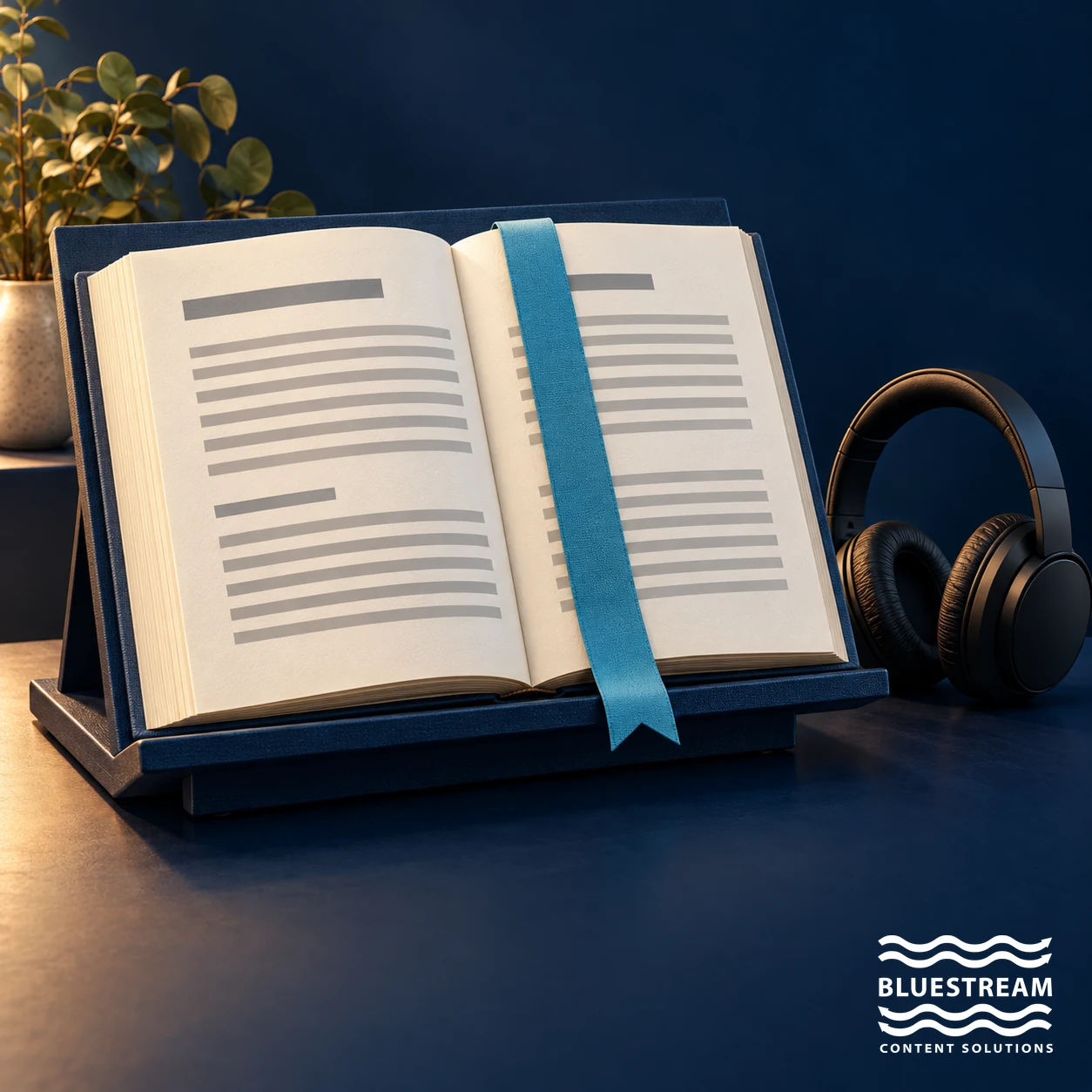
A large-print conceptual manual on a reading stand beside headphones, illustrating multiple ways to access documentation.

FindUnderstandUse

Accessible manufacturing documentation lets people with different abilities find, perceive, understand and use the approved information for their task. It also needs to work in real service conditions: on the right device, in the required language, with the correct product context and with a usable option when connectivity is limited.

Being able to open a file is only the starting point. A scanned manual, an unlabeled diagram or a portal that cannot be operated with a keyboard can exclude users even when the permissions are correct. Equally, a technically accessible page can still be unhelpful if it contains the wrong procedure for the equipment.

Keep accessibility and operational usability in view

Digital accessibility specifically addresses barriers experienced by people with disabilities. Manufacturing documentation also has broader findability, usability and delivery requirements. These concerns overlap and should be designed together, without allowing one to stand in for the other.

The W3C Web Content Accessibility Guidelines organize accessibility around perceivable, operable, understandable and robust content. WCAG conformance is assessed against testable success criteria. A responsive layout or a searchable repository alone does not establish it.

Make technical information findable

Technicians may search by a symptom, fault code, part number or product model. Operators may start with a maintenance task. Support teams may need a specific revision. Documentation should support these entry points rather than requiring users to know the names of manuals.

Combine descriptive titles, controlled product metadata, useful filters and related-topic navigation. Preserve exact matches for identifiers and add reviewed synonyms for common terminology. Search results should show enough context to distinguish similar products and procedures.

Keep the next step clear after a failed search. A user should be able to report a missing answer or reach the appropriate support route without starting the whole journey again.

Design for people with disabilities

Use the WCAG 2.2 quick reference to turn accessibility goals into a test plan. For a documentation portal, practical checks include meaningful heading structure, keyboard operation, visible focus, sufficient contrast, usable text resizing and reflow, and labels that describe controls and links.

Provide text alternatives for informative images and captions for relevant video content. Technical diagrams often need an accompanying explanation that conveys the relationships or actions the image communicates. Do not rely on color alone to distinguish a hazard, component or step.

Test complete tasks with assistive technologies and representative users, alongside automated checks. Downloads and embedded media need their own evaluation. Passing a page-template check does not prove that every manual, diagram and interactive component is accessible.

Account for the factory floor and field service

A useful delivery format depends on where the task happens. Small screens, gloves, bright light, noise and unreliable connectivity can affect how information is read and navigated. Observe the environment rather than assuming that desktop behavior transfers to the field.

Organize procedures into manageable sections, but retain warnings and prerequisites with the relevant steps. Offer usable downloads or offline packages where the workflow requires them, and show their revision and applicability. Keep a route for checking updates when the user reconnects.

PDFs remain useful for some workflows. Evaluate their reading order, structure and navigation rather than treating the file format as inherently accessible or inaccessible.

Deliver the correct approved information

Manufacturing products change through revisions, component substitutions and market-specific configurations. The latest document in a repository may not apply to an older machine that remains in service.

Make product, model, configuration, language and revision context visible. Publish through a controlled review process and retain supported historical versions with clear applicability. When a procedure is superseded for the same configuration, ensure users can distinguish it from the approved replacement.

Traceability matters for safety communication and repair support. The organization should know which source revision produced a delivered topic or manual and who owns the next review.

Support different audiences responsibly

Engineers, operators, dealers, independent repairers and customers may need different levels of explanation. Define prerequisites and required expertise clearly, and explain unfamiliar terminology for the intended audience.

Metadata can tailor navigation by role, product, region or language. Permissions should reflect approved access policy and any applicable repair-information obligations. Accessibility testing must cover the actual external user experience, not only an administrator’s view.

Use structured content as a foundation

Structured content separates a topic’s meaning from its presentation. DITA is an XML-based architecture for reusable, typed topics. With an appropriate CCMS workflow, teams can maintain shared procedures, manage variations and publish to multiple formats.

This approach can help keep headings, warnings, terminology and metadata consistent. It can also reduce repeated translation and maintenance work when reuse is planned carefully. Authors still need to supply meaningful text alternatives, clear instructions and complete task context, and each output needs accessibility checks.

Structure is an enabling practice, not a certificate of accessibility.

Give portals and AI interfaces the same scrutiny

A documentation portal can combine formats and make content searchable across sources. XDelivery, for example, supports metadata filters, full-text search and content permissions. Evaluate both the interface and the content delivered through it against the user tasks.

AI-assisted retrieval may help users express questions in their own words. It should preserve product context, cite approved sources and offer a route to the full procedure. The chat interface itself also needs accessible controls and understandable interaction.

Machine-readable content can improve retrieval, but it does not guarantee a correct answer. See how structured content prepares documentation for AI for the wider content-design considerations.

A practical accessibility review

  1. Choose a task, product and audience that represent real service use.
  2. Check whether users can find and confirm the applicable approved instructions.
  3. Test keyboard navigation, assistive technology, zoom, diagrams and media.
  4. Review mobile and limited-connectivity use in the actual work environment.
  5. Validate the portal topic and downloadable output separately.
  6. Assign owners to defects and retest after changes to content or templates.

Combine these tests with feedback from technicians, operators and users with disabilities. Track successful task completion and unresolved barriers, not simply the number of files made available.

Frequently asked questions

What does accessible documentation mean in manufacturing?

It means people with different abilities can perceive, navigate and use the content, while the delivery also supports the task, product context and environment. Findability and correct applicability are essential companion requirements.

Why is it important for manufacturers?

People rely on documentation to operate, maintain and repair products. Removing barriers helps them use approved information more consistently and supports service quality and risk management.

How does structured content help?

It supports reusable topics, meaningful structure, consistent metadata and controlled updates. Authors and publishers must still check text alternatives, clarity, navigation and output accessibility.

Is accessibility only about disability compliance?

Accessibility focuses on access for people with disabilities, whether or not a particular legal requirement applies. Manufacturing teams should address it alongside broader usability concerns such as mobile use, language and connectivity.

How do documentation portals help?

They can provide consistent navigation, search, filters and product context across content sources. They need accessible implementation and testing; centralizing content does not automatically remove barriers.

Start with a real user task

Choose one frequently used procedure and review the complete path from search to completion. That reveals where changes to content, metadata or delivery would make the greatest difference. Use those findings to assess XDelivery’s documentation delivery capabilities against your requirements.

Contact Us

Sign-up for the latest Bluestream News

Close