

Content management has evolved far beyond simple website publishing. Today, organizations rely on a wide range of CMS software solutions to manage everything from marketing content to complex technical documentation.
However, not all CMS platforms are created equal. The type of CMS you choose directly impacts how content is created, reused, managed, and delivered. For organizations managing technical documentation, understanding the differences between CMS types is critical.
This guide breaks down the main types of CMS software and explains where each fits – especially in environments where structured content and scalability matter.
What Is a CMS?
A Content Management System (CMS) is a platform used to create, manage, store, and publish content. Depending on the type of CMS, this content may include web pages, blog posts, product information, or technical documentation.
While all CMS platforms manage content, they differ significantly in how they structure, store, and deliver it.
CMS vs CCMS: What’s the Difference?
Understanding the difference between a CMS and a CCMS is essential for organizations managing technical documentation.
A traditional CMS is designed to manage content as complete pages or documents. It works well for websites, blogs, and marketing content where each page is relatively independent. Content is typically created, edited, and published as a whole unit. If similar information is needed in multiple places, it is often copied and reused manually, which can lead to duplication and inconsistencies over time.
A CCMS, on the other hand, manages content at a much more granular level. Instead of treating content as full documents, it breaks information into smaller components such as topics, procedures, and reference sections. These components can be reused across multiple outputs without duplication. When a component is updated, that change is reflected everywhere it is used.
This difference becomes critical as documentation grows in complexity. In a CMS environment, maintaining consistency across multiple products, versions, and formats can become difficult. In a CCMS, reuse and structure are built into the system, making it easier to manage large volumes of content efficiently.
Another key distinction is how each system supports structured content. A CMS typically stores content as formatted text or pages, while a CCMS often uses structured standards such as DITA. This allows content to be tagged with metadata, organized into meaningful relationships, and delivered dynamically across different channels.
In simple terms, a CMS is designed for publishing content, while a CCMS is designed for managing and scaling complex documentation. For organizations producing technical documentation, especially across multiple products or markets, this difference has a significant impact on efficiency, accuracy, and long-term maintainability.
Traditional (Monolithic) CMS
Traditional CMS platforms are designed primarily for website content. They combine content creation, storage, and presentation into a single system.
Examples include platforms like WordPress and Drupal.
These systems are well suited for marketing websites and blogs because they allow users to create and publish content quickly. However, they typically manage content as full pages or posts rather than reusable components.
For technical documentation, this can create limitations. Content reuse is often manual, and maintaining consistency across large documentation sets becomes difficult.
Headless CMS
Headless CMS platforms separate content from presentation. Content is stored centrally and delivered via APIs to different front-end applications.
This approach allows organizations to deliver content across websites, mobile apps, and other digital experiences without duplicating content.
Headless CMS platforms are flexible and scalable, making them attractive for organizations with complex digital ecosystems. However, they are not always optimized for structured technical documentation, especially when content reuse and topic-level management are required.
Enterprise CMS
Enterprise CMS platforms extend traditional CMS capabilities with features such as workflow management, permissions, and integration with other business systems.
They are often used in large organizations to manage corporate websites, intranets, and digital content at scale.
While enterprise CMS solutions offer governance and scalability, they still tend to focus on page-based content rather than structured, reusable documentation components.
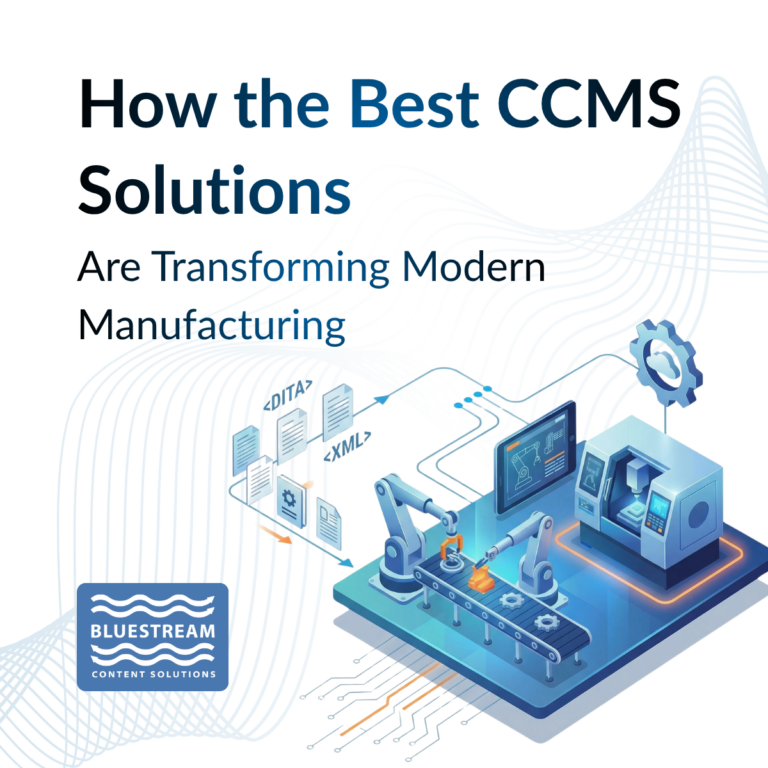
Manufacturing organizations are producing more complex products than ever before. With increasing product variants, faster release cycles, and global supply chains, the volume and complexity of technical documentation continues to grow..
Component Content Management Systems (CCMS)
A Component Content Management System (CCMS) is specifically designed for managing structured content at scale. Instead of storing entire documents, a CCMS manages content as individual components or topics.
This is a fundamental shift.
In a CCMS, content is modular. A single procedure, warning, or reference topic can be reused across multiple documents and outputs. When that content is updated, the change is reflected everywhere it is used.
For organizations managing complex documentation, this approach significantly reduces duplication and improves consistency.
Choosing the Right CMS for Your Needs
Selecting the right content management solution depends on your content strategy and organizational requirements.
If your focus is marketing content or web publishing, a traditional or headless CMS may be appropriate. If you need to deliver content across multiple channels with flexible front-end experiences, a headless CMS offers advantages.
However, if your organization produces technical documentation with high complexity, multiple variants, and frequent updates, a CCMS is often the better choice.

The Role of CMS in AI-Ready Content
As AI becomes more integrated into content delivery, the structure of your CMS matters more than ever.
AI systems rely on structured, machine-readable content to retrieve accurate information. CCMS platforms, particularly those using DITA, provide this structure naturally.
By organizing content into topics with metadata and relationships, a CCMS makes documentation easier for AI systems to understand and use. This supports intelligent search, chat-based interfaces, and automated content delivery.
Final Thoughts
There is no single CMS solution that fits every use case. Each type of CMS serves a different purpose, from website publishing to enterprise content management to structured documentation.
For technical documentation teams, the shift toward CCMS and DITA-based structured content represents a move toward scalability, consistency, and future-ready content delivery.
As content complexity grows and AI-driven experiences become more common, choosing the right content management solution is not just a technical decision. It is a strategic one.
Want to See Metadata Strategies in Action?
Looking to modernize your documentation process with AI?
Let’s connect. Contact Bluestream to learn how our native integration with oXygen XML Editor/Author can elevate your structured authoring environment. From authoring to review to multichannel publishing, we support the workflows that power your content lifecycle.
FAQ: Types of CMS Software for Technical Documentation
What are the main types of CMS software?
The main types include traditional (monolithic) CMS, headless CMS, enterprise CMS, and Component Content Management Systems (CCMS). Each type is designed for different content needs, from website publishing to structured technical documentation.
Which CMS is best for technical documentation?
For simple documentation, a traditional or headless CMS may be sufficient. However, for complex documentation with reuse, multiple versions, and structured content, a CCMS is typically the best choice.
What is the difference between a headless CMS and a CCMS?
A headless CMS separates content from presentation and delivers it via APIs, making it ideal for digital experiences. A CCMS focuses on structured, reusable content and is designed specifically for managing large-scale technical documentation.
Why do technical documentation teams use DITA?
DITA provides a structured, topic-based approach to authoring content. It allows documentation teams to reuse content, apply metadata, and manage complex documentation more efficiently.
Can a traditional CMS handle complex documentation?
Traditional CMS platforms can handle basic documentation, but they often struggle with reuse, version control, and managing multiple product variants. As documentation grows, these limitations become more noticeable.
How does a CCMS support multi-channel publishing?
A CCMS separates content from formatting, allowing the same content to be published across multiple outputs such as web portals, PDFs, and mobile applications without duplication.
