
Manufacturing documentation

DITA, PLM Data, & the Illustrated Parts Catalogue

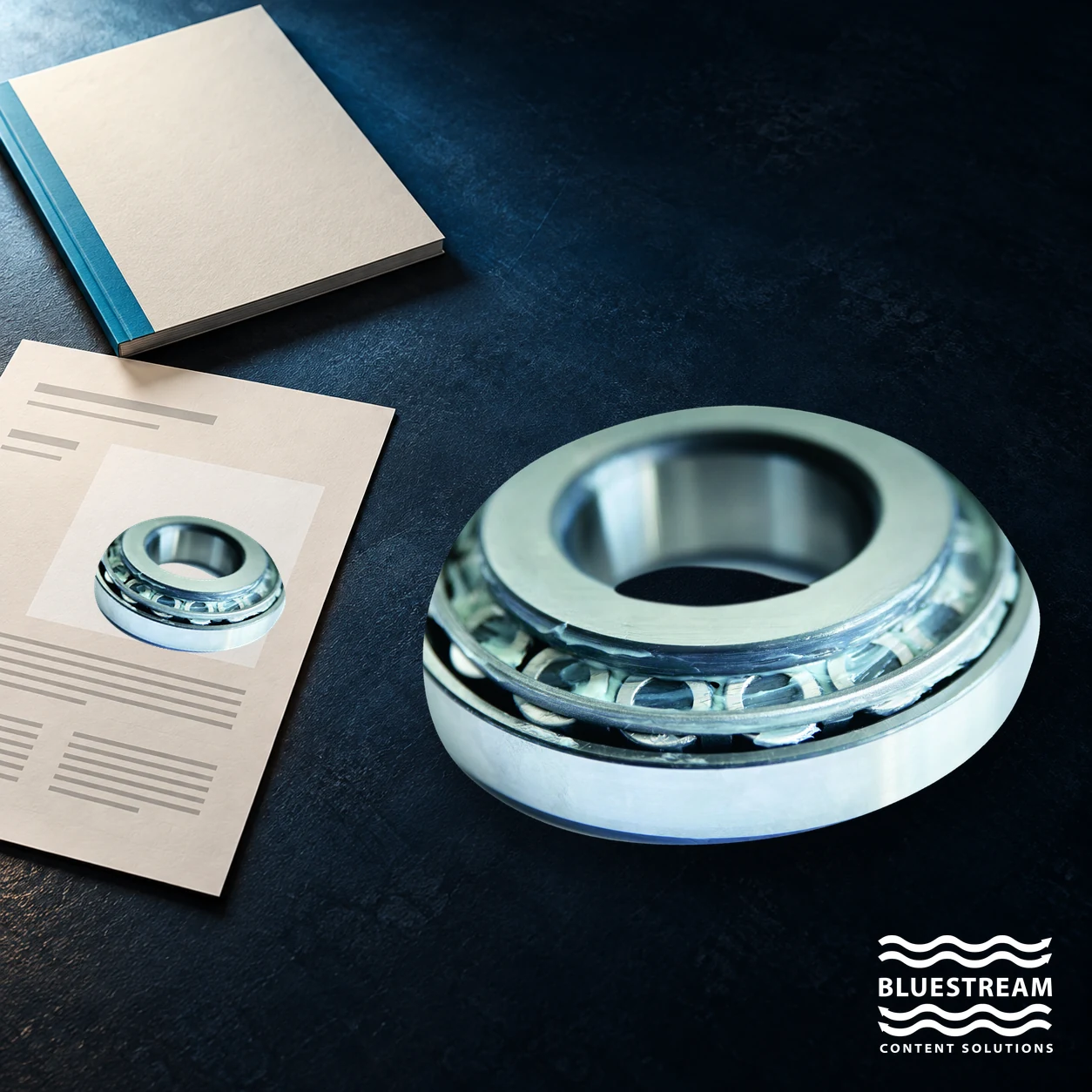
A real bearing photograph beside a conceptual parts catalogue and a page showing the same part.

Map sourcesConnect contentControl releases

An illustrated parts catalogue brings controlled product data together with the explanations and illustrations people need to identify a part. A DITA-based workflow can connect PLM-derived parts information with writer-authored content while preserving the source revision, product configuration and relationships that make the catalogue trustworthy.

The challenge is rarely a lack of data. Engineering may already maintain assemblies and parts in a product lifecycle management system, while technical writers maintain procedures, safety information and service context elsewhere. Turning those sources into a useful catalogue requires an explicit transformation and review process.

This guide explains how to separate source ownership, map the information into structured content, and release a catalogue that remains connected to the product it describes.

Understand the two sources behind an IPC

A PLM system such as Windchill or Teamcenter may hold the engineering product structure, part identifiers, revisions and configuration relationships. The exact scope varies by organisation. Service parts, availability and ordering information may be governed in other systems, so confirm the source of record for each field rather than assuming that PLM owns everything.

Technical writers supply the information that makes those records usable in a service context: assembly introductions, identification guidance, references to procedures, warnings and explanatory captions. Illustrations may come from engineering or a technical illustration workflow and need their own revision control.

These sources serve different purposes. Engineering data is not inherently unreadable, and authored content is not inherently incomplete. The integration task is to select the right data, preserve its meaning and present it with the context a catalogue user needs.

Define ownership before transforming data

Create a field-level agreement between engineering, service, documentation and the team responsible for the integration. Identify who owns each value, how a change is approved and which system supplies it. A part number should not be silently corrected in the documentation layer if that would make it disagree with its controlled source.

For a typical pilot, record the part identifier, description, parent assembly, quantity, unit of measure, revision, applicability and illustration reference. Add other fields only when the catalogue needs them. Some values may apply to an assembly occurrence rather than to the part everywhere it is used; the mapping must preserve that distinction.

Also define what the data does not mean. A catalogue listing does not necessarily prove that a part is available to order or approved as a replacement. Supersession and interchangeability require authoritative rules, not assumptions based on similar descriptions.

Transform PLM output into a usable DITA model

DITA is an XML-based architecture for topic-oriented information. Its topic model provides a foundation for manageable content units, while DITA maps organize topics and other resources and express relationships between them.

Conversion requires a mapping between the exported product structure and the chosen documentation model. An assembly might become a topic with a parts table and illustration; supporting tasks might remain separate topics linked from the catalogue. There is no requirement to create a separate topic for every part. Choose a granularity that supports maintenance and the intended user journey.

Keep stable source identifiers in the transformation so that a later update can be compared with the previous import. Validate required fields, references and hierarchy. Report missing data as an exception for review instead of filling gaps with plausible text.

A CCMS may support different integration approaches, including APIs and generated content. DITA is one suitable architecture for this workflow, not a universal requirement for every PLM-to-documentation connection. The integration should be designed around the actual source and publishing requirements.

Combine generated and authored content without overwriting either

One practical pattern is to keep generated parts content distinct from writer-authored explanations and assemble them into the same deliverable. The next data import can then update the controlled parts information without erasing editorial work.

That separation needs a rule for exceptions. If a writer discovers an incorrect description, the issue should return to its source owner or enter a documented correction workflow. A local edit to generated content can disappear on the next import, leaving the same defect to be rediscovered.

Review the combined output, not just the separate sources. A correct table beside an illustration from a different revision is still a defective catalogue. Check callout labels, assembly context, links, language and the instructions a user sees when a part is selected.

Build product-specific catalogues from shared sources

Product variants, regional differences and customer-specific configurations can make copying a catalogue expensive to maintain. Shared structured content can support multiple outputs when applicability is captured consistently.

DITA’s conditional-processing attributes support filtering and flagging based on metadata values. They provide a mechanism for selection; the organisation must still define and validate the product rules that drive it.

Start with configurations whose boundaries are known. Verify that the selected parts, illustrations and procedures agree, and test excluded content as carefully as included content. If a catalogue must describe what was actually supplied or installed, an engineering bill of materials alone may be insufficient. Establish how the relevant as-built or as-maintained configuration is obtained and approved.

For a broader view of the system boundaries, see connecting a manufacturing CCMS with ERP and PLM.

Make illustrations and parts information work together

An interactive IPC can link an illustration callout to a parts entry, a service procedure or an ordering experience. The useful connection depends on reliable identifiers and an explicit relationship between the visual and the data.

Preserve a clear non-interactive route as well. A user should be able to identify a part from a labelled table or accessible text when a hotspot is difficult to select or unavailable. Large diagrams may need zooming, but their labels and associated information should remain understandable.

Ordering links should take the reader to the appropriate system for current availability, pricing and authorization. They should not make a static catalogue appear to contain live commercial information. Likewise, a link to a service bulletin should identify its relevance rather than imply that every bulletin applies to every configuration.

Release a reproducible catalogue

A catalogue release should be traceable to the source data revision, transformation rules, authored content revisions and selected configuration. Retain enough information to reproduce the release and investigate a reported discrepancy.

A useful release check includes:

  • Required parts fields and identifiers are present.
  • Assembly relationships and quantities match the approved source.
  • Illustration revisions and callout labels match their parts entries.
  • Applicability rules select the intended configuration.
  • Links lead to relevant procedures and approved destinations.
  • Reviewers have resolved material exceptions before release.

These checks can be partly automated, but technical review remains important. A schema-valid file can still contain an incorrect part relationship or omit information a technician needs.

Start with one assembly and one change

Choose an assembly with a manageable parts structure, a representative illustration and at least one related procedure. Build the transformation, review the combined catalogue and then process a realistic engineering change. The second pass reveals whether the workflow is maintainable.

Measure the effort spent resolving mapping exceptions, correcting illustrations and reviewing changed content. Avoid claiming a percentage saving before the team has a baseline. A successful pilot should demonstrate reliable change handling as well as an attractive first publication.

Frequently asked questions

Does DITA replace PLM?

No. PLM can remain the controlled source for the product data it owns. DITA provides a documentation structure in which selected data can be combined with authored information.

Can PLM data be published directly?

Some systems support direct publication or specific integrations. A usable IPC still needs an agreed mapping, applicability rules, appropriate context and validation of the resulting output.

Does every part need its own DITA topic?

No. Topic boundaries should follow maintenance and reader needs. An assembly topic with a parts table may be more appropriate than a separate topic for every item.

How do you stop an import overwriting a writer's work?

Separate generated content from editorial content, connect them using stable identifiers, and define how exceptions are resolved. Test the process with a second import before scaling it.

Can a catalogue include ordering links?

Yes, where the delivery system and integration support them. Keep live ordering details in the authoritative commercial system and validate the relationship between each part and its destination.

Discuss your parts-catalogue workflow

Bring a sample assembly, an illustration and an example of a recent change. Bluestream can discuss how structured authoring and delivery could connect those sources into a controlled, usable parts-catalogue experience.

Contact Us

Bearing photo by DiegoFUCHS2022, CC BY-SA 4.0; background removed, scaled and composited into an AI-generated scene. Adapted image: CC BY-SA 4.0. Bluestream trademark remains its owner’s.

Sign-up for the latest Bluestream News

Close