
DITA migration

Using DITA for Content Migration

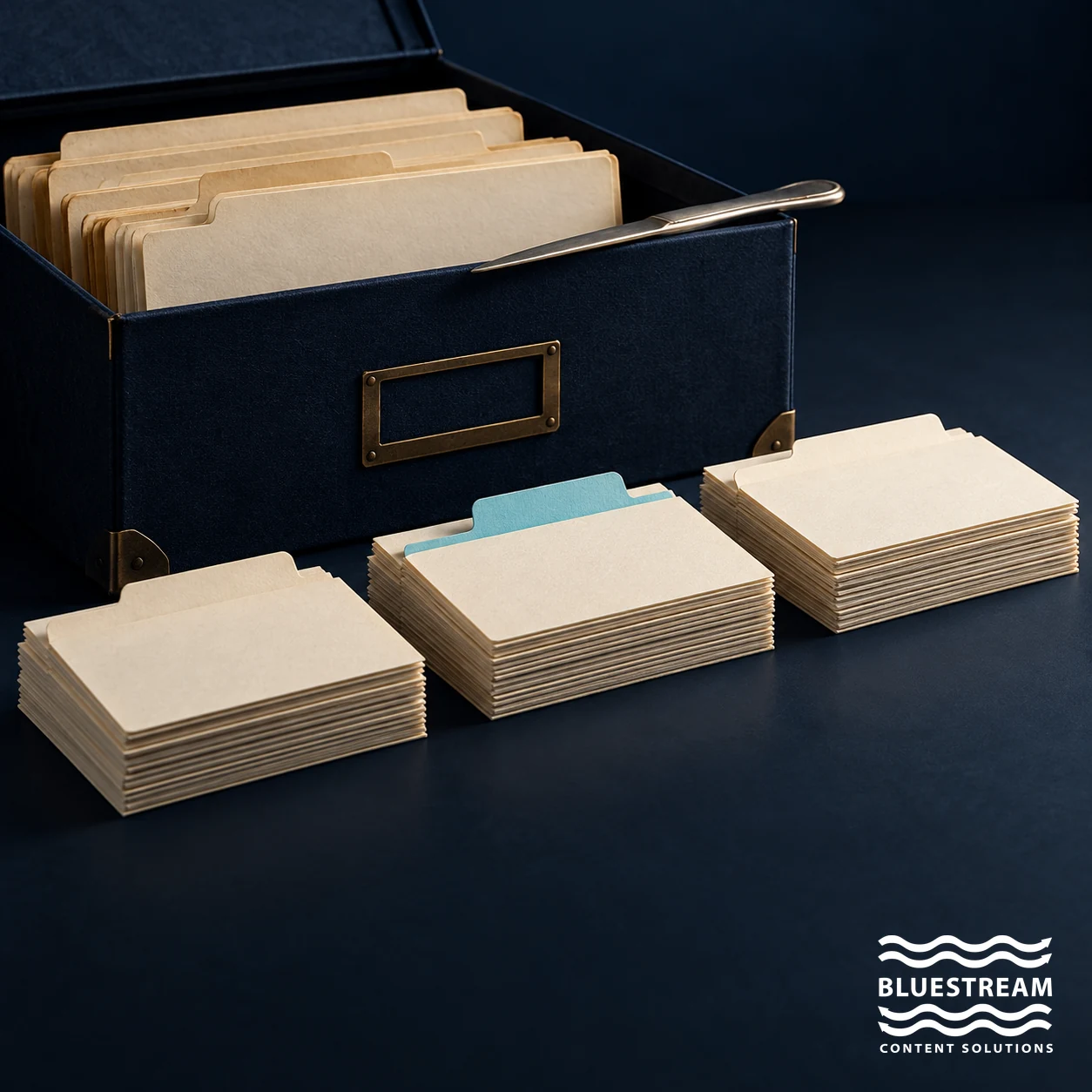
Archive folders are organized into smaller reusable content-card collections.

AuditModelValidate

Using DITA for content migration means analysing legacy information, modelling it as coherent topics and relationships, and validating the resulting deliverables. Converting a file into XML is only one step. A successful migration preserves technical meaning, improves maintainability and gives users a dependable route to the correct information.

Begin with a representative pilot before committing the whole library. Use it to test topic boundaries, reuse, metadata, graphics, publishing and review effort, then apply the proven approach to the remaining content.

Why Content Migration Matters

Many documentation teams are sitting on years of legacy content. This may include PDFs, Word documents, FrameMaker files, HTML pages, spreadsheets, outdated manuals, or custom XML.

Some of this content is valuable, while other material duplicates existing information or no longer reflects current products. Accurate content may also sit in formats that make reuse and maintenance difficult.

A content migration project gives teams the chance to decide what to keep, improve, retire or restructure. Without that process, organizations risk moving the same problems into a new system.

The goal should not be to migrate everything. The goal should be to migrate the right content in the right structure.

Why DITA Is a Strong Foundation for Migration

DITA provides an architecture for topic-based information, maps, reuse and conditional processing. These mechanisms can help teams maintain shared content and assemble different deliverables. They do not decide the right content model or correct an inaccurate source.

The OASIS guidance on DITA topics emphasises coherent, reusable units. A long manual may contain several tasks, explanations and reference entries, but do not split it mechanically at every heading. Keep the information needed to understand and safely complete each task together.

Content Migration Is Not Just Conversion

One of the biggest mistakes teams make is treating migration as a straight conversion exercise.

Converting a Word file or PDF into XML does not automatically create good DITA content. The result may technically be structured, but still contain poor organization, inconsistent headings, duplicate sections, and unclear topic boundaries.

A successful DITA migration requires content analysis. Teams need to decide where topics begin and end, what content to reuse, which metadata to apply and how topics should map to future outputs.

Conversion changes the format. Migration changes the content strategy.

Step 1: Audit the Existing Content

Before migrating into DITA, documentation teams should audit their current content library.

This means reviewing what exists, where it lives, who owns it, and whether it is still useful. The audit should identify duplicate content, outdated files, missing procedures, inconsistent terminology, and content that no longer supports current products.

A practical audit might ask:

  • Which documents do people still use?
  • Where do manuals repeat the same content?
  • Which information is outdated or lacks current approval?
  • What topics do several products or audiences need?
  • Which content should the team retire before migration?

This step prevents documentation teams from carrying unnecessary clutter into a structured environment.

Step 2: Break Large Documents into Topics

Identify the user purpose of each section before choosing a topic type. A concept explains an idea; a task supports an action; reference information supplies facts users need to look up. Some material needs editorial work because it mixes these purposes or depends on surrounding text.

Preserve prerequisites, warnings, qualifications, units and expected results when extracting a procedure. Teams can reuse a warning as a managed element, but it must still accompany every task that requires it. Check that phrases such as “as described above” become meaningful links or complete statements.

Choose topic boundaries by comprehension and maintainability. Extremely small fragments can increase authoring and retrieval complexity without useful reuse.

Step 3: Identify Reuse Opportunities

Compare repeated passages for meaning and applicability before consolidating them. Similar wording may hide a different torque value, prerequisite or product configuration. Record genuine differences rather than standardising them away.

DITA provides content-reference mechanisms for reusable content. Topic reuse, keys and maps can support other reuse patterns, while conditional processing selects applicable variants. Choose the simplest maintainable mechanism for the requirement.

A shared source needs an owner and impact review. Changing it once does not mean every historical release should change, and it does not prove that the reused passage fits every context. Test each affected output and preserve required release baselines.

Step 4: Apply Metadata Early

Metadata is essential to a successful DITA migration.

Metadata helps define what content describes, where it applies, who needs it and how to deliver it. Without metadata, even structured content can remain difficult to manage.

Useful metadata may include product name, version, audience, region, language, content type, lifecycle status, and applicability. For manufacturing or complex product environments, metadata may also include model, configuration, part family, or service level.

Applying metadata early makes content easier to filter, search, personalize, and govern after migration.

Step 5: Plan Your DITA Maps

Use maps to organise topics and relationships for the intended deliverables. OASIS defines DITA maps as a way to structure topic collections and specify context. Start with users’ tasks and required publications rather than copying an old table of contents automatically.

Test the map with real content, including shared topics, variant-specific material, graphics and cross-references. Confirm that navigation and links work in every required output. A map that validates syntactically can still produce an incomplete or confusing manual.

Step 6: Build Governance into the Migration

A DITA migration is also the right moment to improve governance.

Documentation teams should define ownership, review workflows, approval status, version control, and retirement rules. This prevents migrated content from becoming another unmanaged library.

Governance matters because teams often reuse structured content in many places. If a topic is inaccurate or outdated, the issue can appear across multiple outputs. Strong workflows help reviewers and owners approve and maintain content consistently.

Step 7: Prepare Content for Modern Delivery

Migrating to DITA is not only about improving authoring. It also prepares content for modern delivery.

Structured DITA content can support documentation portals, intelligent search, AI chatbots, personalized content views, multi-language delivery, and mobile-friendly experiences.

Because DITA content is modular and metadata-rich, users can access information in smaller, more relevant pieces. Instead of downloading a full manual, they can search for a specific procedure, filter by product version, or ask an AI-powered system for a direct answer.

This is where content migration becomes a strategic investment rather than a back-office project.

Common Content Migration Mistakes to Avoid

  • DITA migration projects are most successful when teams avoid a few common traps.
  • Do not migrate everything simply because it exists. Not all legacy content deserves to move forward.
  • Do not convert documents without restructuring them. A poorly organized document does not become effective DITA just because it has XML tags.
  • Do not ignore metadata until later. Retrofitting metadata after migration can be time-consuming and inconsistent.
  • Do not recreate old navigation exactly. Migration is a chance to improve how users find and consume information.
  • Do not treat migration as an IT-only project. Technical writers, content architects, SMEs, and end users all need to be involved.

Why Technical Writers Are Central to DITA Migration

Technical writers play a critical role in content migration because they understand the meaning, purpose, and audience behind the content.

Automated conversion tools can help move content into DITA, but they cannot always determine whether a section should be a concept, task, reference, or troubleshooting topic. They cannot always identify unclear instructions, missing context, or outdated assumptions.

Writers bring the judgment needed to turn migrated content into useful documentation.

A successful migration combines automation with human expertise.

Define acceptance tests before bulk conversion

Agree what must survive migration and how the team will check it. Automated validation should cover valid DITA, resolved references, required metadata, unique identifiers and expected assets. Editorial and subject matter review should verify technical meaning, applicability and usability.

Compare representative outputs with the source. Inspect tables, warning placement, numbered steps, symbols, equations, image labels and links. A text-only comparison can miss a lost diagram or a value moved under the wrong column heading.

Track every source item to a migrated topic, retained legacy document or approved retirement decision. That inventory gives the team a way to investigate missing information and demonstrate that required content was not discarded during cleanup.

For translated content, preserve language relationships and source revision information. Check whether segmentation, IDs or changed reuse boundaries affect translation reuse. Similar source wording alone does not prove that the team can reuse an existing translation unchanged.

Plan the cutover and the next change

Migration takes place while products and documentation continue to change. Define a freeze window, a controlled delta migration or another explicit process to avoid losing late edits or applying them twice. Identify the authoritative system during each phase.

Preserve important inbound links through stable identifiers or reviewed redirects. Users may reach a procedure from a support case, a QR code or a bookmarked portal page. Test those routes rather than checking only the new home page.

Keep a read-only source archive and a recovery plan appropriate to your retention requirements. After the pilot, make a normal product update in the new environment: revise a reused topic, review its impacts, localise the change and publish the required outputs. That exercise tests whether the migration produced a maintainable workflow, not just a successful one-time import.

A practical next step

Choose a representative manual or product family and define the acceptance tests before converting it. Use the pilot to refine the content model, estimate review effort and plan a controlled cutover.

Explore XDocs DITA CCMS for managing the resulting structured content, and XDelivery for delivery. Confirm migration, integration and publishing requirements using your own content.

Frequently asked questions

What is DITA content migration?

It is the process of moving legacy information into a DITA topic, map and reuse model, with validation of meaning, assets, links and outputs.

Is converting Word or PDF files to XML enough?

No. Teams must follow conversion with content modelling, editorial review and output testing. Valid XML can still contain unclear instructions or lost context.

Should every legacy document be migrated?

No. Inventory content and decide what to migrate, revise, retain in its current format or retire. Preserve required information and records, and obtain the appropriate approval for retirement.

How should teams choose topic boundaries?

Use the reader’s task or information need. Keep necessary prerequisites, warnings and related context with the topic instead of splitting solely by page or heading.

How does DITA support reuse?

Topics, maps, keys and content references can support reuse, with conditional processing for applicable variants. Teams must define ownership and test each reuse context.

What should a migration pilot prove?

It should demonstrate content quality, valid links and assets, working outputs, practical review and localisation, and a repeatable process for the next change.

Can migrated DITA support AI delivery?

It can provide structured, traceable source content. An AI implementation still needs sound extraction, access controls, version filtering and evaluation.

Contact Us

Sign-up for the latest Bluestream News

Close